

Boundary Select; Gebiedselectie
E-Maps first slider

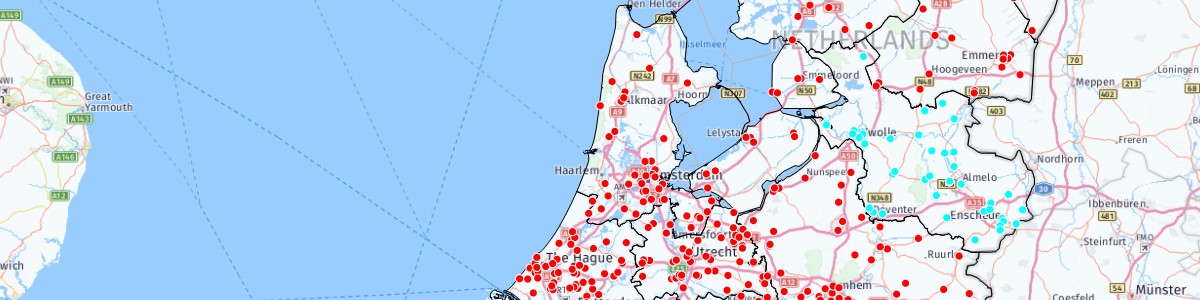
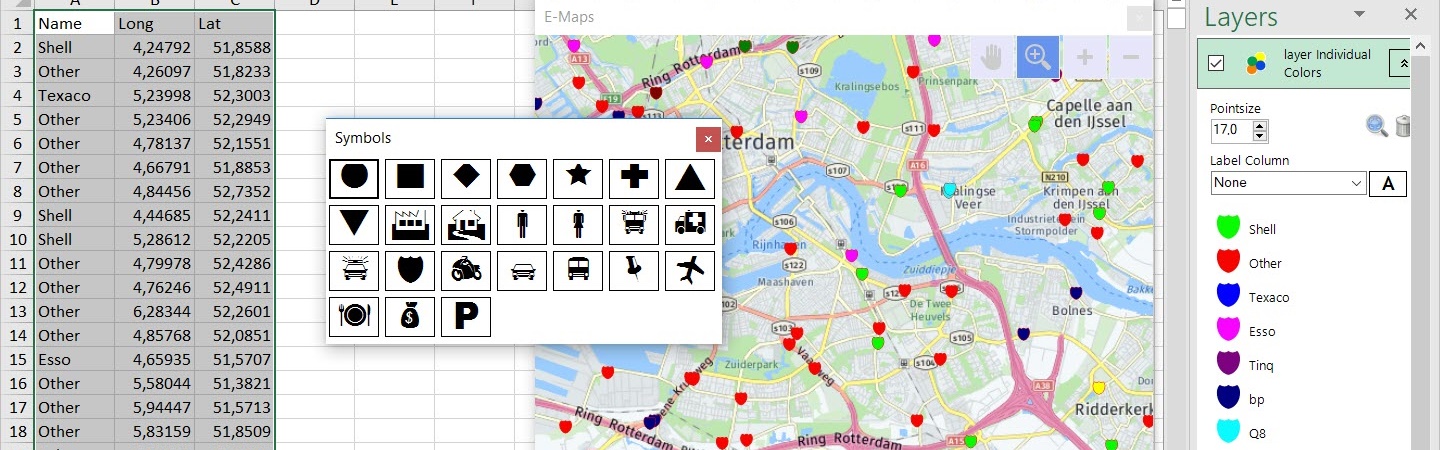
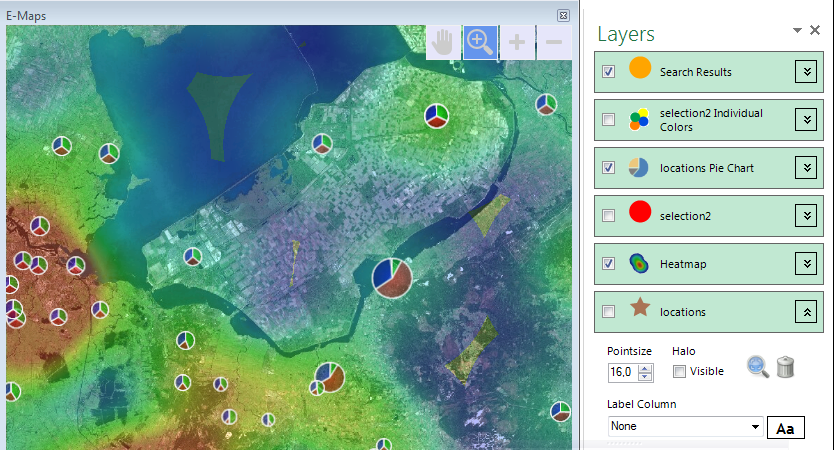
Excel E-Maps gives you professional maps within Excel. Plot your addresses, make thematic, analyze, vizualize and save high quality maps in your report.

previous arrow
next arrow
Shadow
gisviewer: vlakkenkaart Excel E-maps

Excel E-Maps 2.1

Put your location data on a map in Excel™, just in a few clicks! Excel E-Maps is the user friendly GIS viewer for all Excel desktop versions.

Specifications

E-Maps for Excel™ is available in three versions For basic to extended visualisations and analyses, E-Maps is the best choice. See the differences in the E-Maps variants.
Evaluatie test: Download trial

Test drive E-Maps

Experience the power and ease of use of E-Maps.
E-Maps is designed for Excel 2007 desktop or higher.
Download E-Maps now!

E-Maps makes use of different worldwide roadmaps and aerial pictures, independent of the version. For the use of E-Maps an internet connection is required. The Excel add-in uses the map service from Here ™ (Nokia / Navteq) for the roadmaps, hybrid maps aerial pictures and the geocoding of addresses and zip codes from the Excel data.

E-Maps is specially created as a mapping tool/GIS viewer for Microsoft Excel 2007, 2010, 2013, 2016, 2019 and Office 365 (desktop). E-Maps for Excel™ is available in three versions (click here), from basic functionality to extended options. No matter which one you choose, they are all easy to use.

The variants

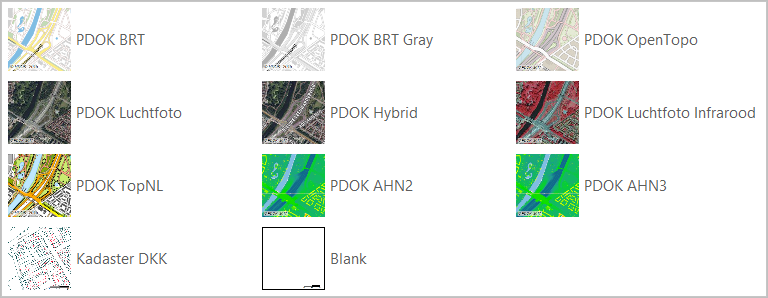
  1. Standard – worldwide geocoding based on full address, postal code or city. Background maps ranging from From High quality maps from Here ™ to a blank map.
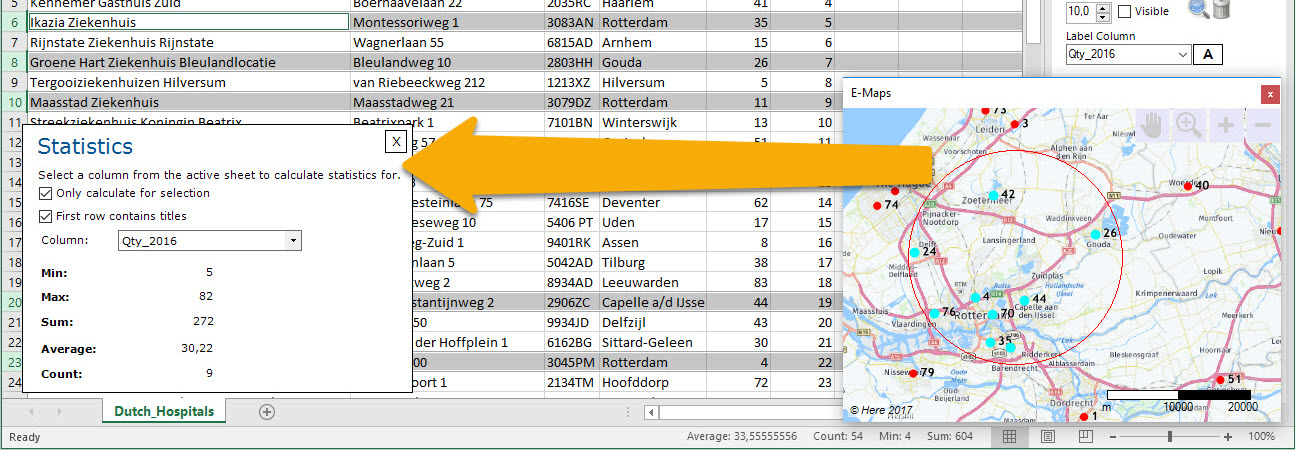
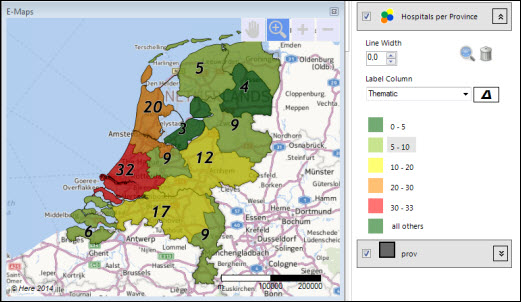
  2. Pro – all features of the Standard version plus extra background maps and enhanced selection capabilities like circle and marquee. Import your own Esri Shape file as background layer or colour it as a thematic map.
  3. Advanced – all features of the Pro version plus advanced selecting and drawing capabilities. Make a selection of locations based on travel time and/or -distance from a given point using car or walking. Draw a line, circles, shapes or a point to enhance your maps

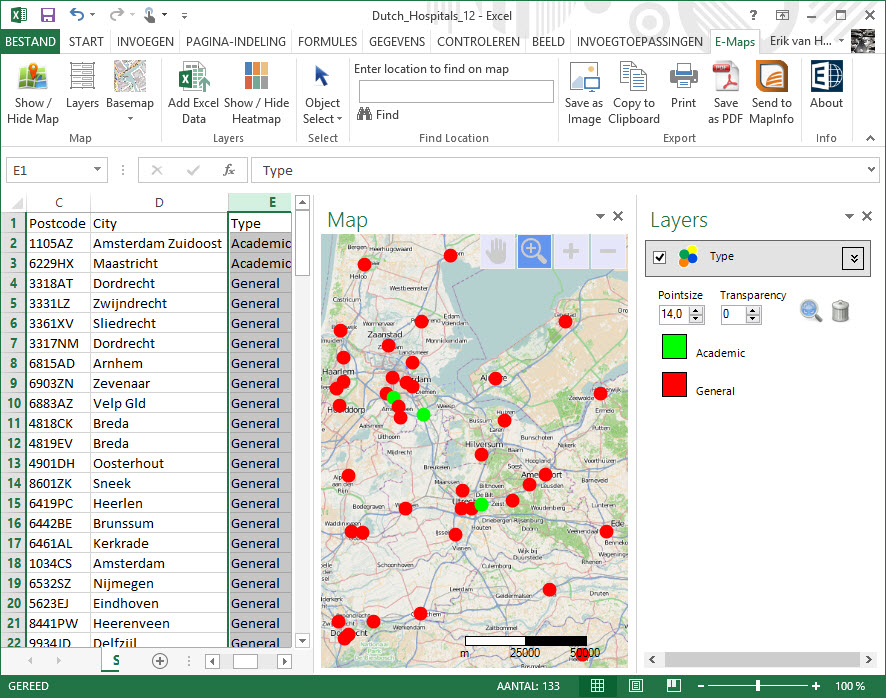
Take a look at the overview of the functionalities. After the installation, the add-inn will be added to the menu-bar and E-Maps is fully integrated in Excel, just like DataMap in Excel 97/2000 was integrated in Excel

E-Maps ribbon

Download the free trial or buy a license through the webshop. Ordering E-Maps is easy. After the registration and order, you will receive a download link and a license. You can start immediately.